
The Best Remote Workforce Tools for Seamless Team Collaboration
About 56% of all companies allow employees to work remotely. As more businesses manage their workforce remotely, adapting with the latest technology to ensure seamless collaboration has become a big challenge. Remote workforce cannot ensure that exact level of organic communication that commences in an office space.
Thinking about the less common interaction between a remote team doesn’t reduce the importance of collaboration at any point. You will need to have effective controls implemented and use the best remote work collaboration software that ensures hurdle less communication between your employees.
Well, we have sorted things out for you and provide 10 crucial remote workforce tools to ensure smooth communication and collaboration between the team management and remote employees
How Does Tools Improve Remote Team Collaboration
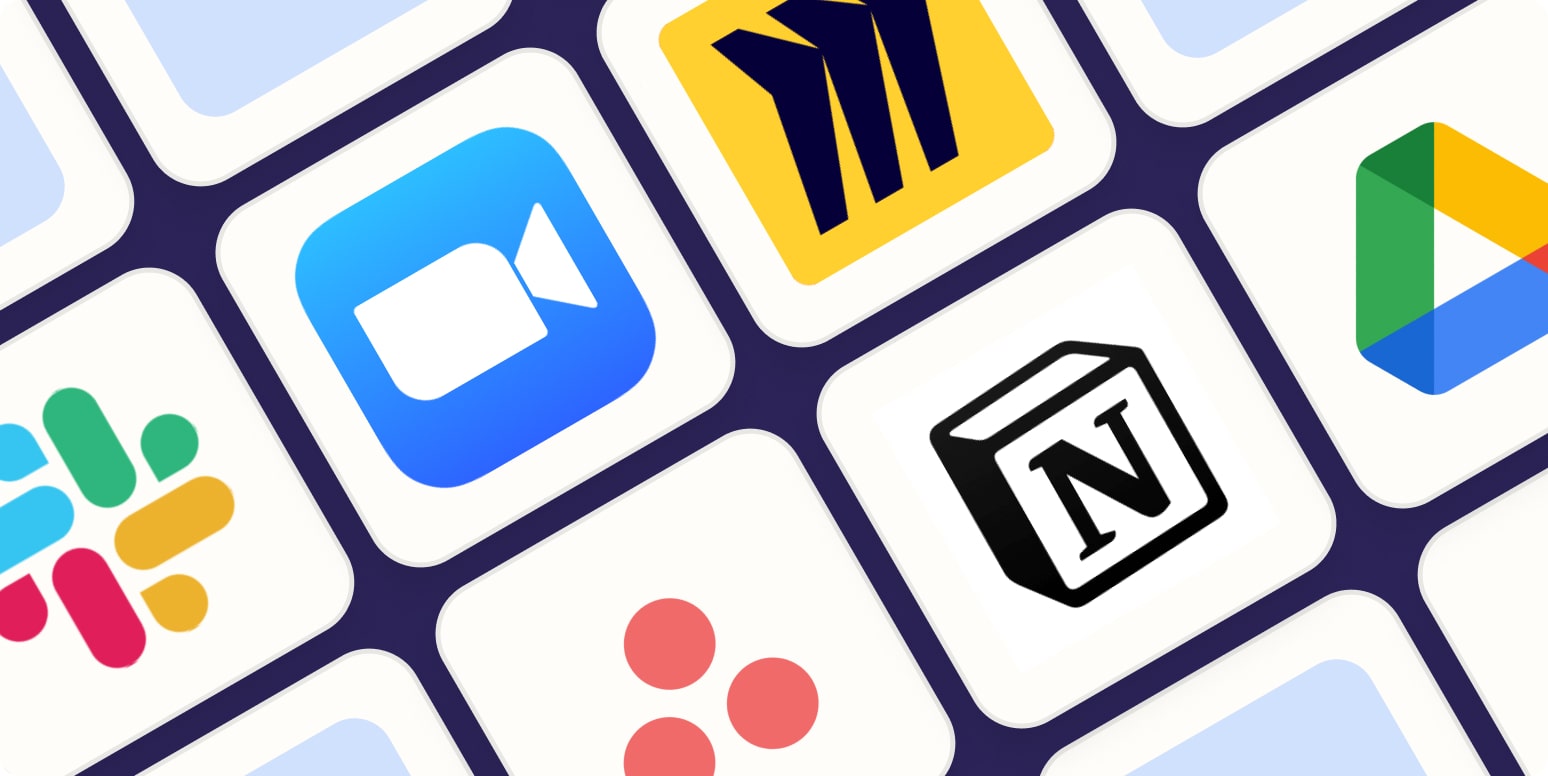
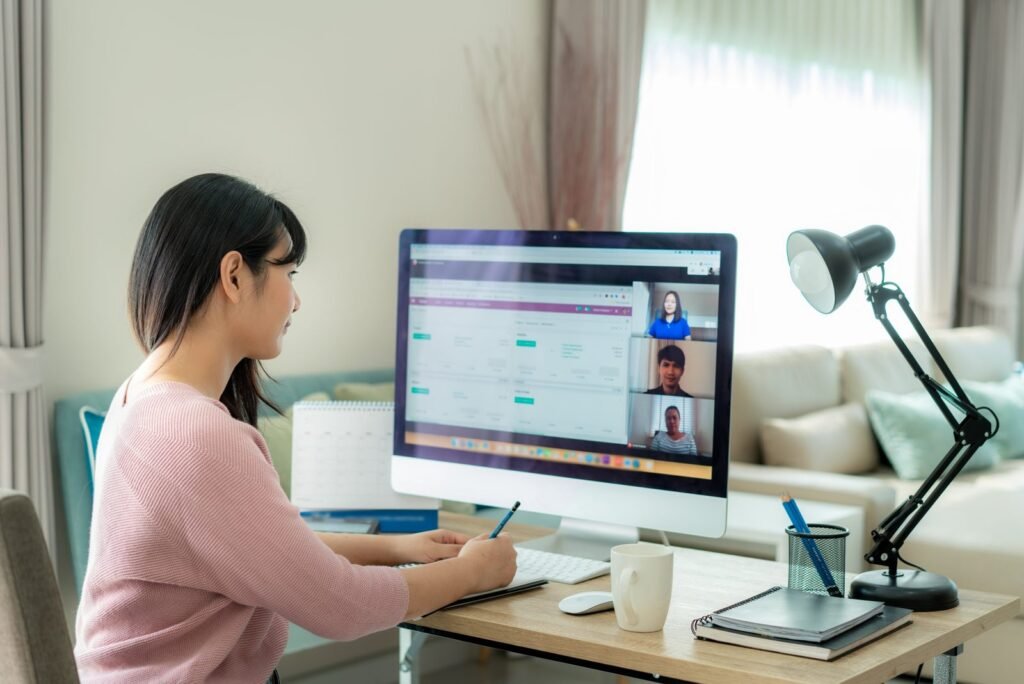
Remote working technology makes collaboration for remote employees far easier. They offer features like video calls, chat apps, project communication channels and a secure channel to share crucial data. It ensures that all employees are aligned with common project goals, even if we are working remotely.
Project management, collaboration and communication tools help everyone know what to do, and track performance to ensure things are done.
Even if remote employees live and work in different time zones, collaboration tools help employees work together without issues, deliver fast turnarounds and improve operational efficiency with on-time communication.

Best Tools for Seamless Remote Team Collaboration
Communication may seem difficult to maintain in a remote workforce. Yet it is not that difficult to employ the right tools and maintain effective communication between your remote team. Here’s what collaboration tools for remote teams you can use.
1- Microsoft Teams
Microsoft teams is one of the best communications and collaboration tools that can be used for remote teams. It is a part of Microsoft 365 suite and offers several communication features for enhanced team communication.
This includes chatting, messaging, video conferencing, nudges, notifications, file share, and several other communication features. Due to high quality security and communication features, this tool has been adopted in 91% of fortune 100 companies, making it one of the best choices to improve remote team productivity collaboration and secure data sharing. Additionally, you can integra more than 2000 apps and custom apps with Microsoft teams to enhance workflow and automate several routine tasks.
2- Slack
Another Remote team management tools to ensure TopTier communication is Slack. Slack uses a system of channels that allows you to add members within a channel to communicate over a project and keep the entire team aligned with your business goals.
Responses from 2,707 slack users across United States, Canada and the UK have shown that slack improves communication for 85% of customer, 88% of team have connection, while 86% of the employee’s improved workability due to timely communication and guidelines.
Slack provides features to businesses, to hold video calls, conferencing, messages and share screen through Huddle. Thís means you can start your communication anytime without the need to schedule it, allowing you to send video clips, files images and much more.
3- Zoom
Zoom is a crucial video conferencing tool with about 300 million daily users. It allows you to arrange calls, video conferences, audio meetings and more. It ensures top-graded security for your zoom chats, making interactions more productive and safer.
This team communication software for remote workers has the capability to support video meetings with up to 1,000 video participants. Moreover, it allows you to host webinars with up to 50,000 attendees, making it ideal for large-scale virtual events, conferences, and corporate town halls.
Running apps in Zoom is also made easy, as its integration with whiteboards, polls, games, and collaboration tools like Asana, Notion, Miro and more. These apps can work during a zoom meeting making it easy to interact and collaborate in real time, without the need to leave the session.
4- Microsoft 365 Suite
With over 400 million users, the Microsoft 365 suite is best for remote teams to collaborate in one place. It provides a suite of apps all integrated in one place.
Why do you need to switch to different tools when you have everything under one single suite? Whether you need Microsoft Excel, Word, Teams, SharePoint, OneDrive, outlook and more. SharePoint offers cloud collaboration tools for remote workforces, allows you to edit documents in real-time and manage files with high-level security.
Microsoft 365 is designed for modern teamwork. No matter where you are across the globe you can always use this suite to stay connected, share data, and manage workflows efficiently. The enterprise-level security ensures that your work is always secure and effectively organized.
5- Asana
Asana is one of the most effective project management tools for remote teams and improving collaboration with millions of users across 200+ countries. Asana allows team management to track remote employees’ tasks, and project workflows so that your team remains at the top.
Asana truly does the work for remote teams. With Asana, you can centralize information and collaborate efficiently. Uploading your daily tasks in an organized way in one place helps with the consistent flow of information and projects, without the need for endless email chains and meetings.
It ensures you promote transparency and accountability of your remote teamwork. You can simply set timelines, communicate directly with tasks, attach files, and keep relevant information in one place. Asana is among the best project management tools that takes collaboration to another level, keeping every one of your remote employees aligned on a single page.
6- Google Workspace
With a market share of 84.95%, Google workspace is your one stop shop to optimize your business operations and enhance collaboration. It consists of a wide range of tools like Gmail, Docs, Sheets and more altogether. Google workspace allows you to easily collaborate in real-time, allows multiple users to edit and work on a single project at the same time.
Moreover, using Google drive storage with Google Workspace, make sures that your files are always accessible for your use. Advance encryption and admin controls also allows business management to ensure data security and smooth workflows while handling remote workforce.
7- Click up
Click up is among the ultimate tools for managing remote employees. Why’s it the best? The reason is the all-in-one features it offers! You can manage your team tasks, goals, and ensure accountability with well-organized daily task updates.
It simply makes tracking your remote employee tasks a breeze. You can create a daily to-do list, assign responsibility and integrate several apps like Zoom, Teams, google drive and more. This online tool for remote teams also makes it easy for communicating over a single task. It allows comments, chats and video calls on the task page, so that the changes are updated seamlessly. With Click up you can ensure organized workflows and effective collaboration.
8- ProProfs Project
ProProfs is one of the most trusted tools to enhance project collaboration within a team. With over 15 million users it has been used by top global companies like Dell, Ford Toyota. It offers a hybrid approach to help teams collaborate globally.
What makes ProProfs Project so important for remote team management is the varied number of features it provides. This project management tool offers a user-friendly interface, allowing team management to create daily tasks for employees, use calendars, set deadlines and more to plan work efficiently in an organized manner. With ProProfs Project you can set real-time updates with your project workflows and task. You can share files and track the performance of your employees so that you understand where your employee is standing and communicate accordingly.
9- Flock
What sets Flock apart as a remote communication tool is that it comes with effective features to ensure easy team collaboration. Flock allows you to make channels and arrange discussions by topic, which keeps everything tidy and comprehensible.
You can privately chat with teammates via direct messaging. Flock also enables users to share files instantly, so you can quickly send documents or an image. You can even manage tasks directly within the app, creating tasks, assigning them to team members, setting deadlines, and tracking progress, all in one place.
Additionally, to ensure real-time collaboration, Flock’s provides a built-in instant messaging feature that lets you quickly talk to your colleagues and share information with them without delay. This mix of communication, task management, and integrations, is what makes Flock one of the best tools for remote team communication.
10- Basecamp
One of the leading options for remote team collaboration and a favorite among small- to medium-sized businesses is Basecamp. This virtual team productivity tools and communication tool consolidates everything you need in one place including to-do lists, file sharing, group chats, message boards, and performance tracking.
Teams can communicate clearly through organized discussions, eliminating the need for endless email threads. Basecamp’s straightforward, intuitive design makes staying in the loop on projects, deadlines and to-dos as easy as can be. With the automative check-ins feature assist that no team member is left behind, making it easy to stay connected and aligned. If you want a centralized remote working space, Basecamp is the best option for you.
FAQs
Remote workforce tools provide essential features that assist employees with their daily tasks and improve productivity. With these tools employees can have their daily to-do list, manage logging hours, ensure easy communication, stay organized and deliver timely results.
While choosing a remote workforce tool, you must make sure it has the right features that enable smooth communication between the team. The tools must have the features of
- Instant messaging
- Video calls
- Conferencing
- File sharing
- Project tracking
- Cloud storage
- Integration
- Realtime editing
- User-friendly interface
Yes, several remote workforce tools are available for small businesses. These tools offer relatively low pricing plans, enhancing a remote team’s efficiency, productivity and seamless collaboration. Here’s what collaboration tools you can use for your remote workforce.
- Microsoft Teams
- Asana
- Slack
- Click up
- Microsoft 365
- Zoom
Remote workforce software assists companies in scaling operations via increased efficiency, communication, and collaboration within distributed teams. These tools streamline project management, automate repetitive tasks, and facilitate real-time communication, enabling businesses to manage operations seamlessly without the need for significant additional resources. They also provide insights into team performance, helping businesses make data-driven decisions to optimize growth and adapt quickly.
Security issues while using remote workforce tools may include data privacy, data breaches, and unsecured networks. To address these issues, several remote workforce tools are cloud based, offering robust security features like encryption, multifactor authentication and regular updates, protecting your data from potential breaches and cyber-attacks.
Get Best Tools for Remote Team Collaboration
Managing a remote workforce is difficult. It requires access to suitable remote working technology, enhancing team collaboration and seamless execution of business operations. Effective management remote workforce also means that your business remote team is communicating and collaborating efficiently for tailored outcomes. With effective collaboration tools like Microsoft 365, Zoom, Asana, and more, remote employees can work real time on a single project, make meetings, project completions and communicate seamlessly.
Well, that’s why Eco Outsourcing is here to make things easy for you. We help you choose the best tools for remote work. We ensure remote employees work effectively, stay organized, and build a cohesive environment, no matter the distance. Using these remote collaboration tools helps businesses thrive and achieve their goals, even from afar.

Connect with us
We welcome your thoughts and inquiries! Whether you have questions, feedback, or would like to initiate a conversation, we invite you to reach out to us.